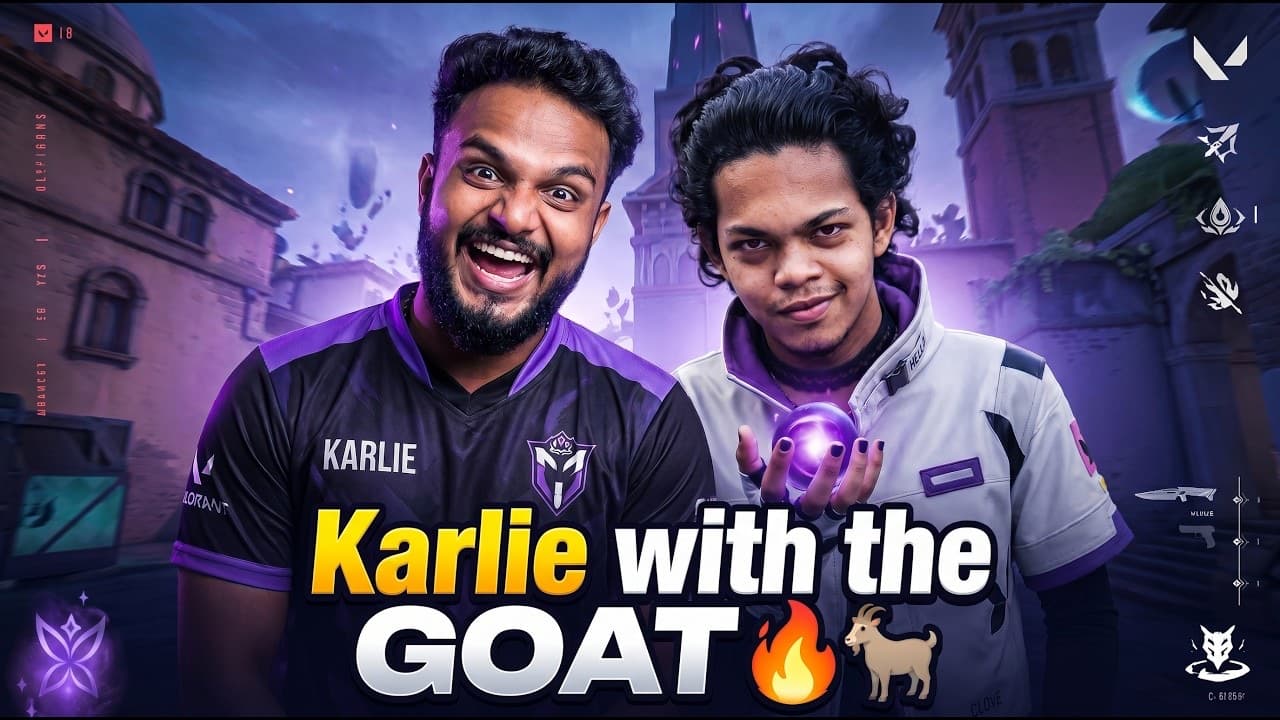
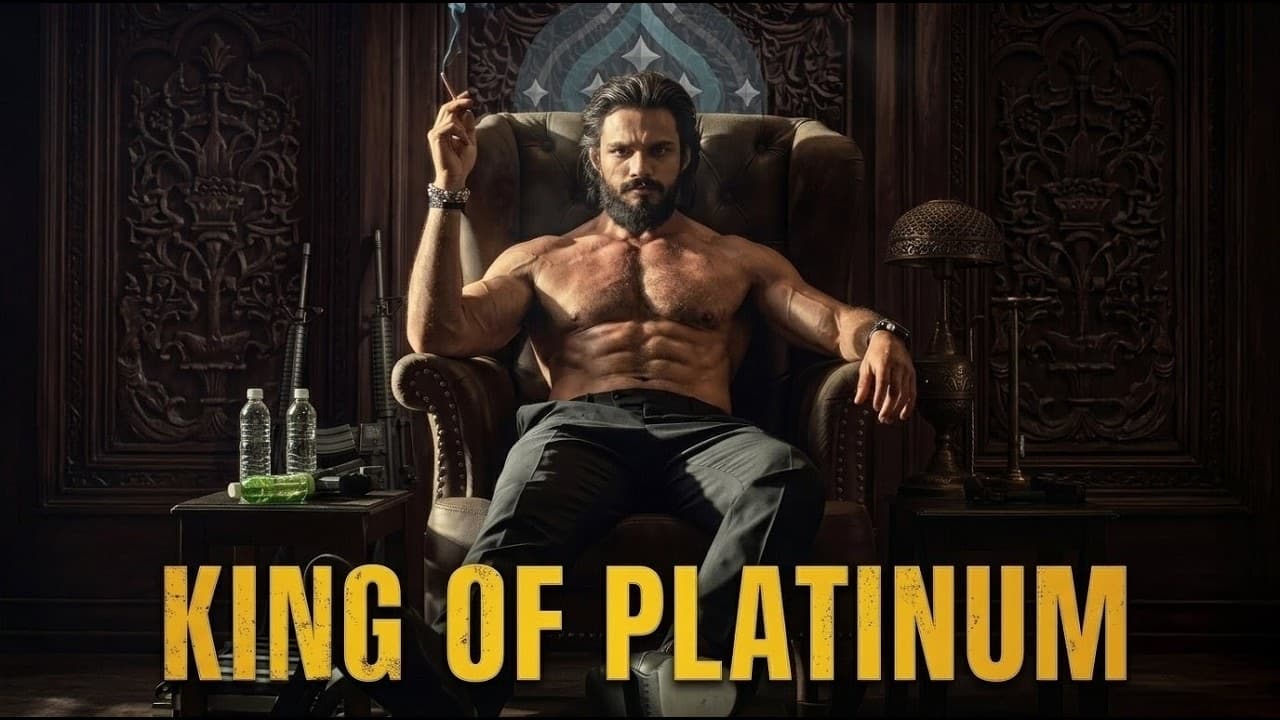
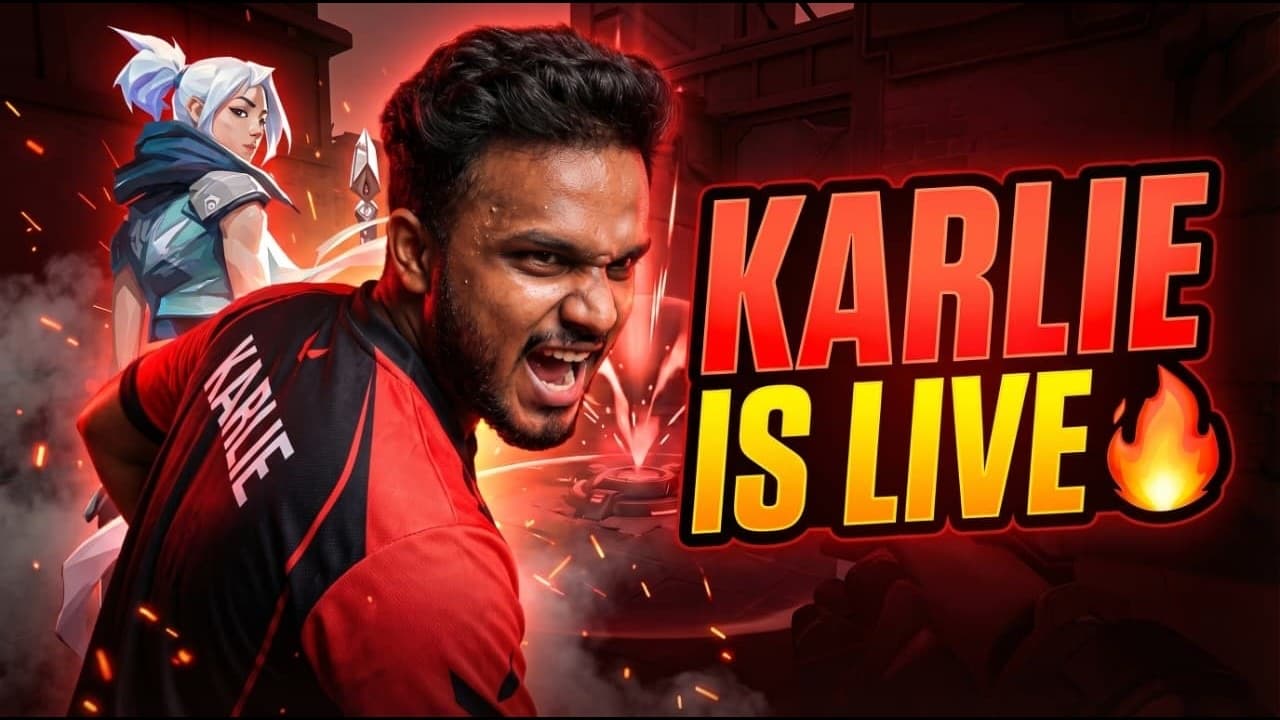
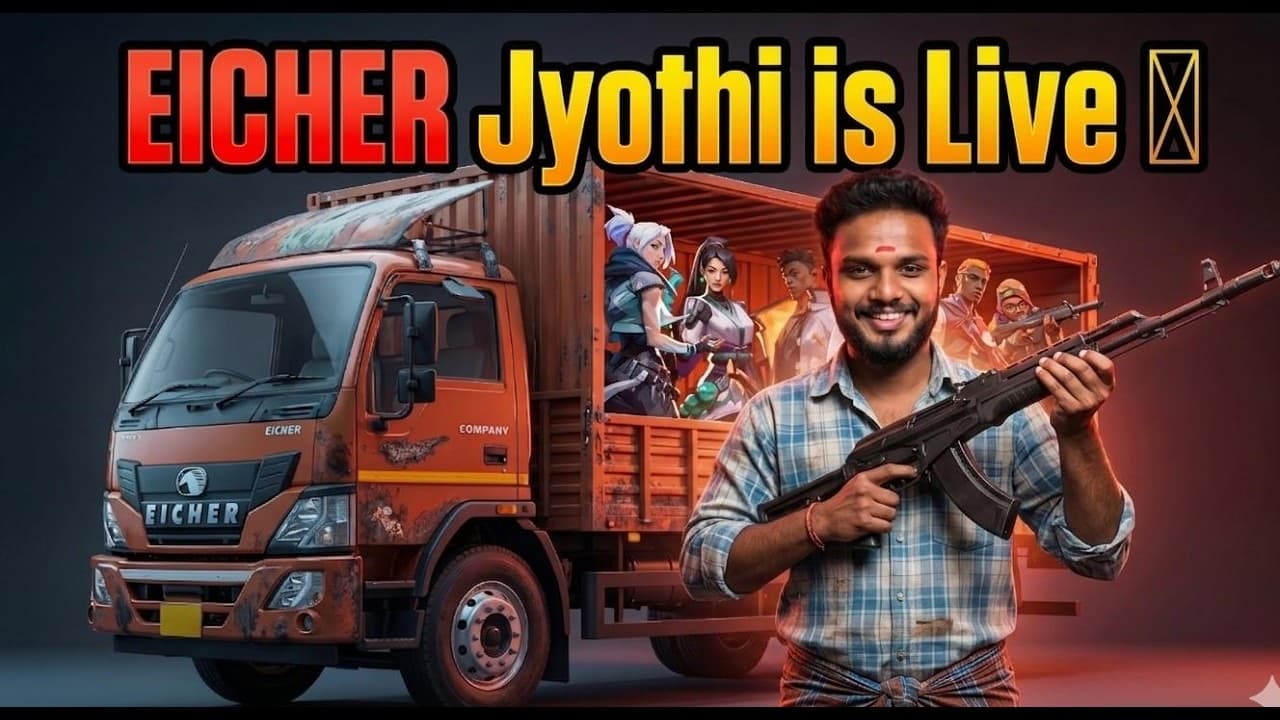
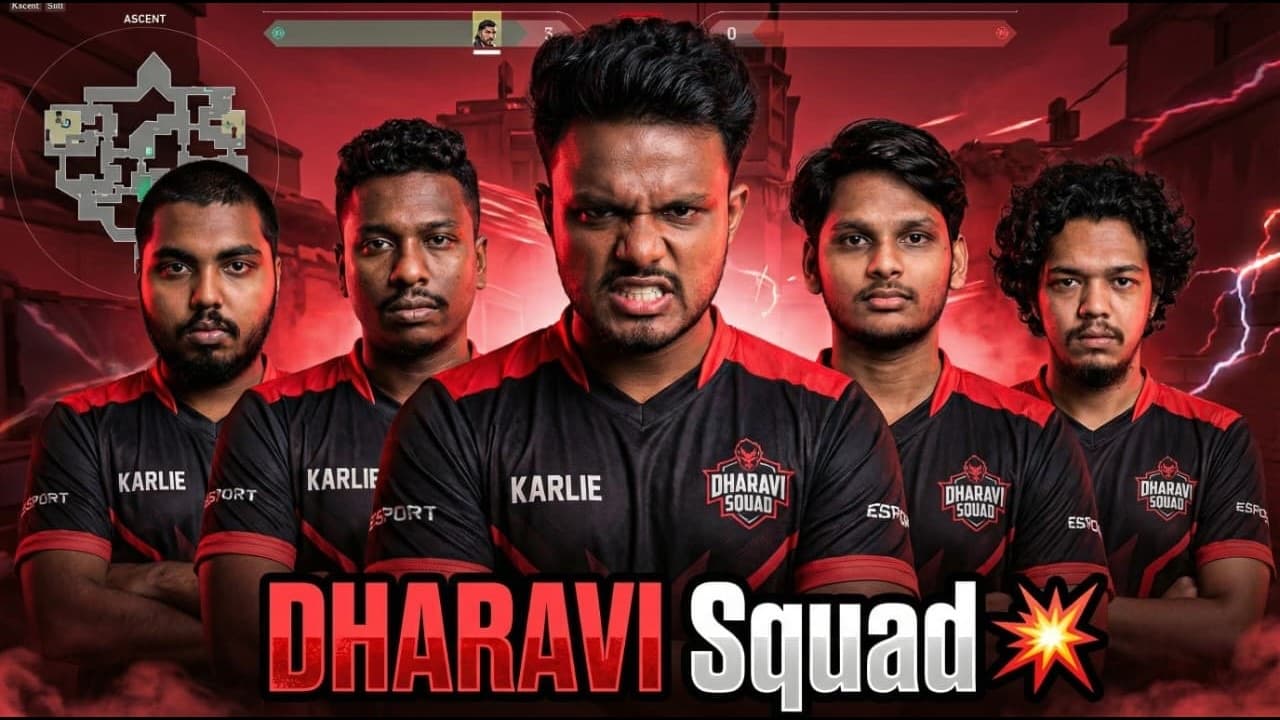
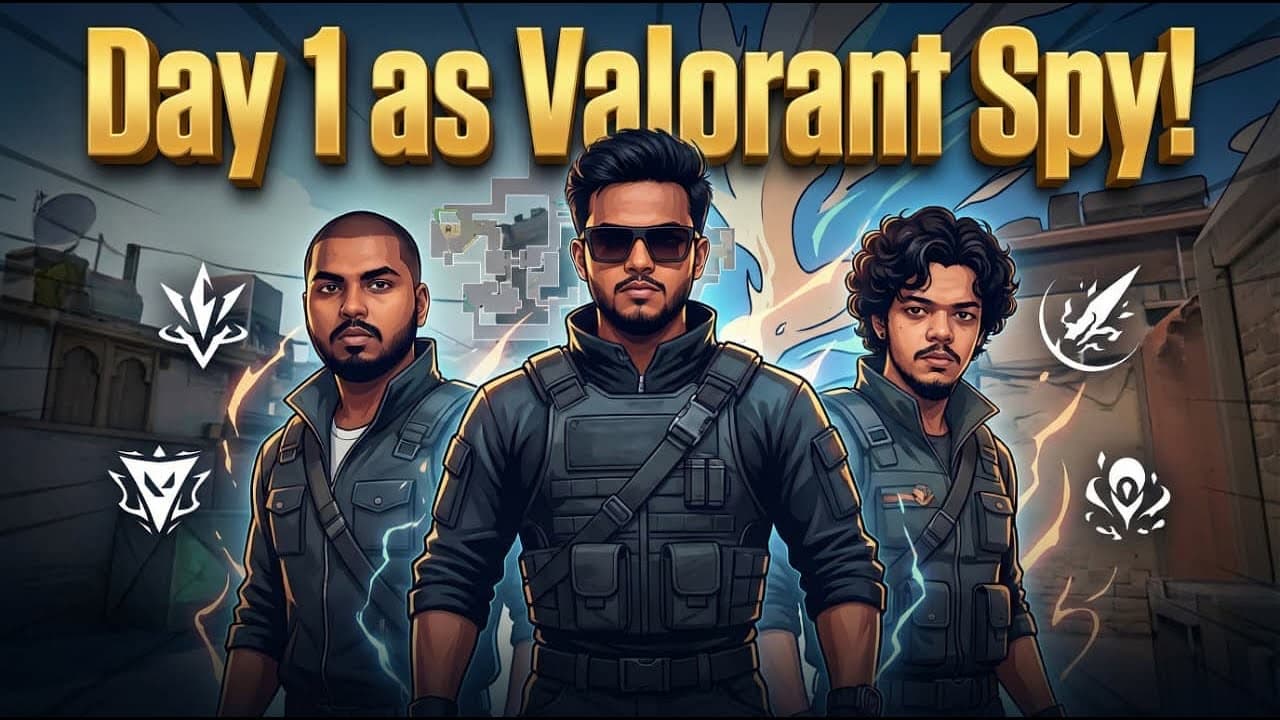
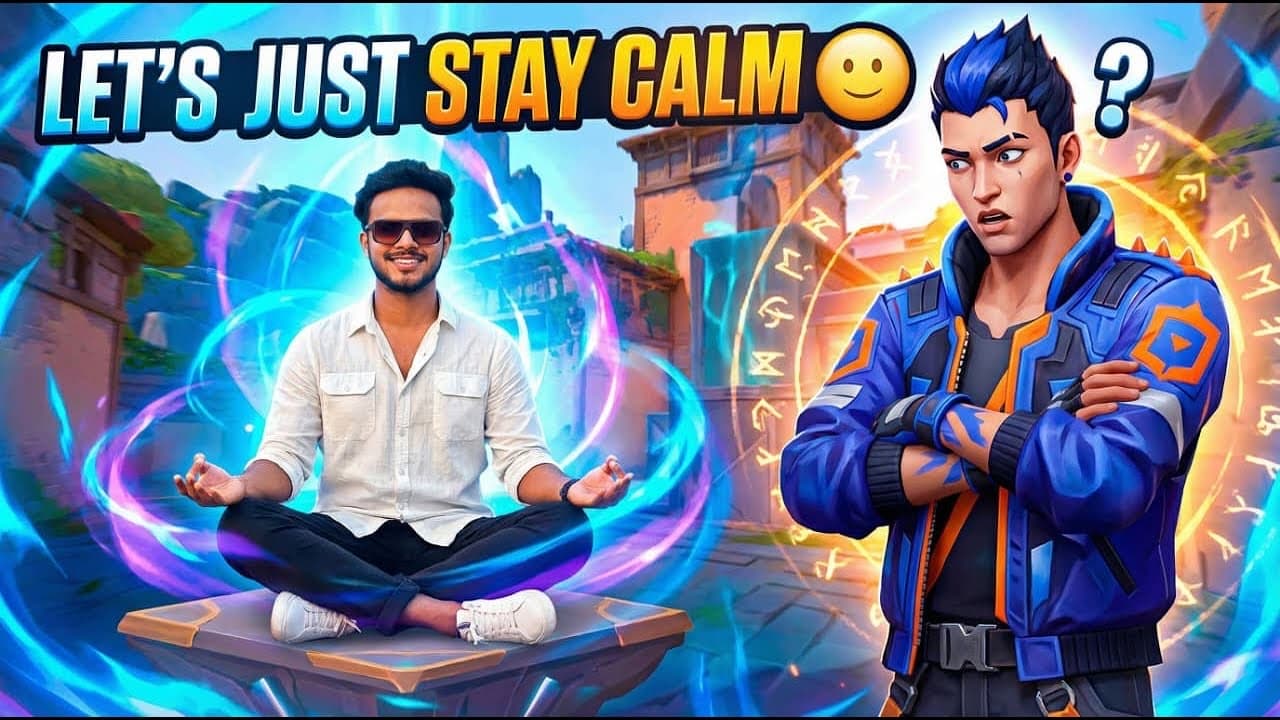
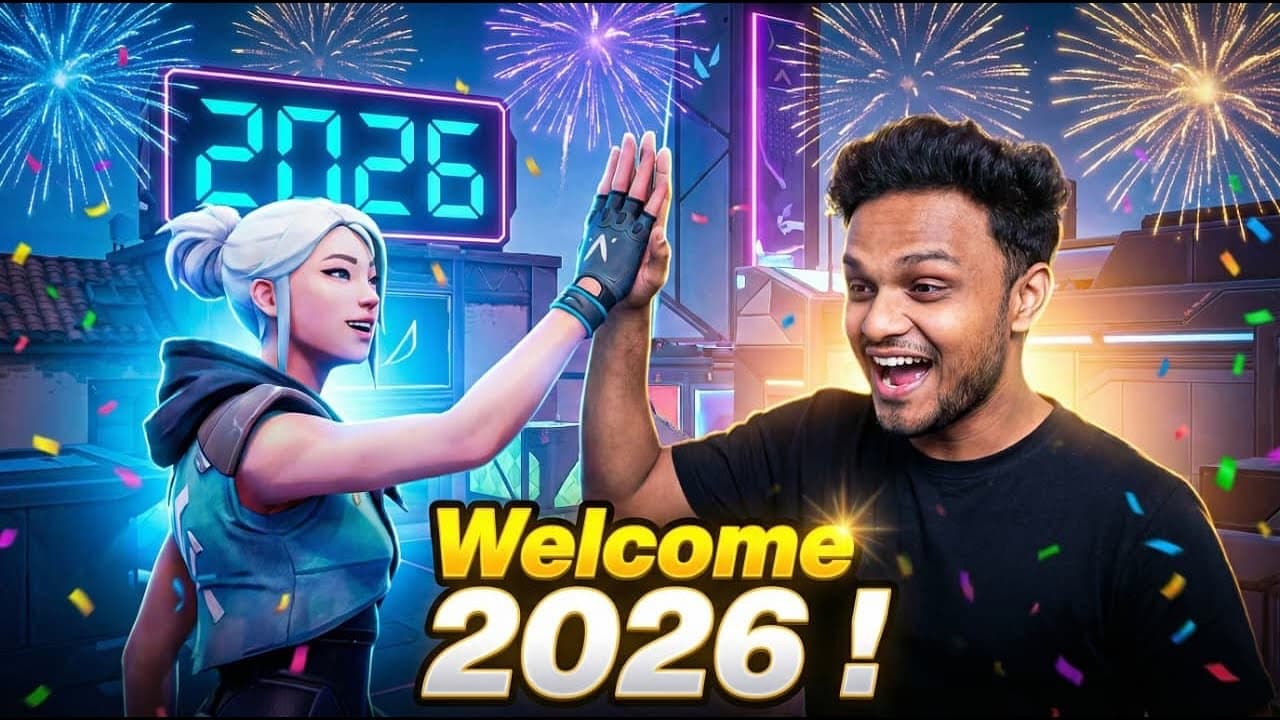
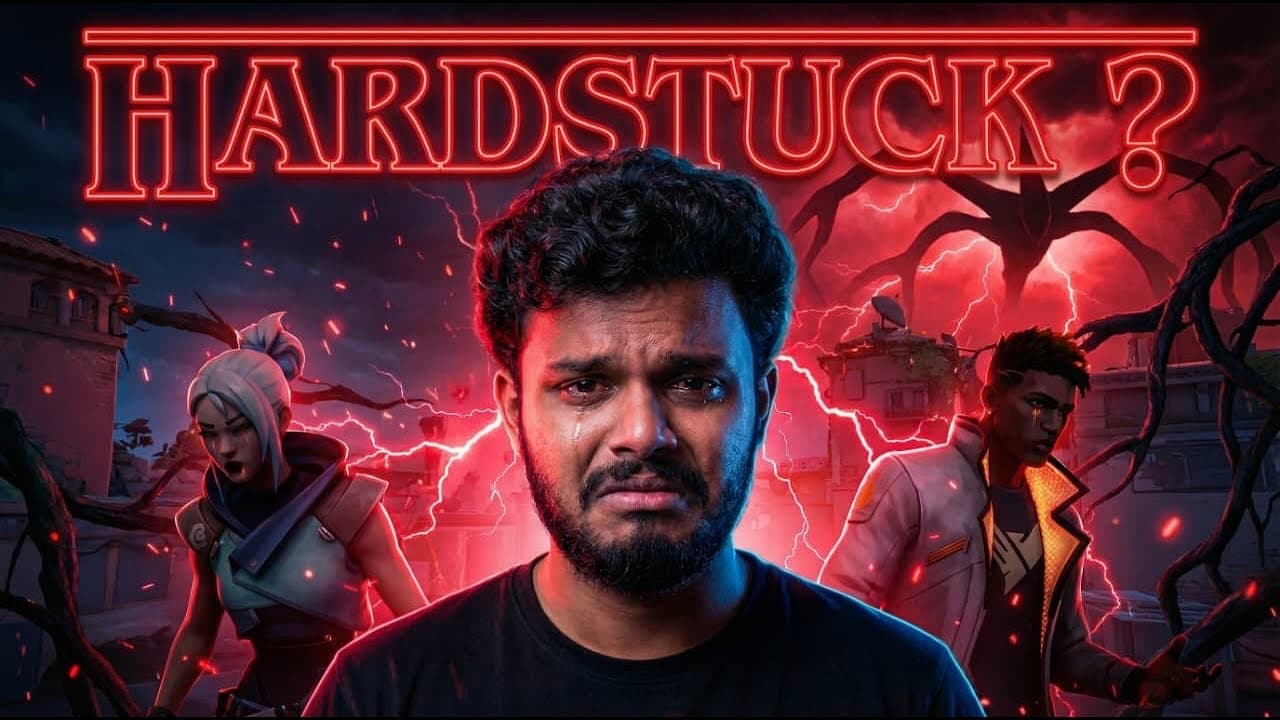
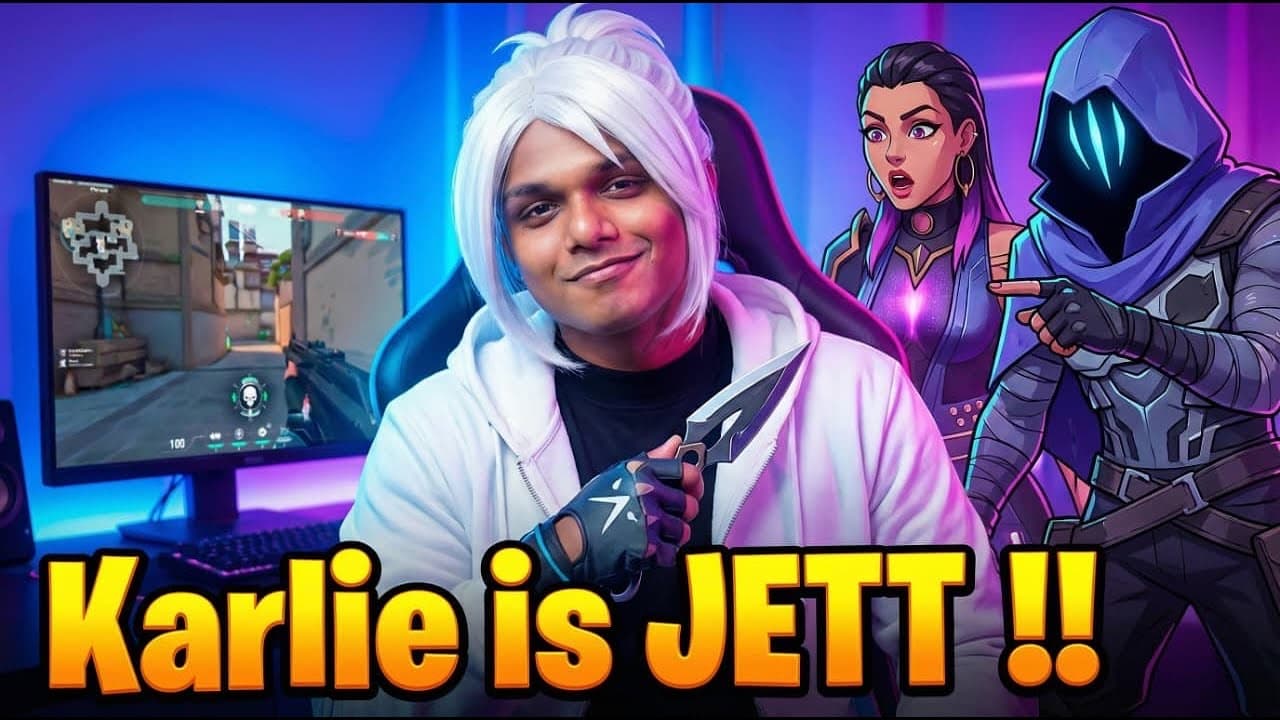
A thumbnail for every live stream, in the channel's own style
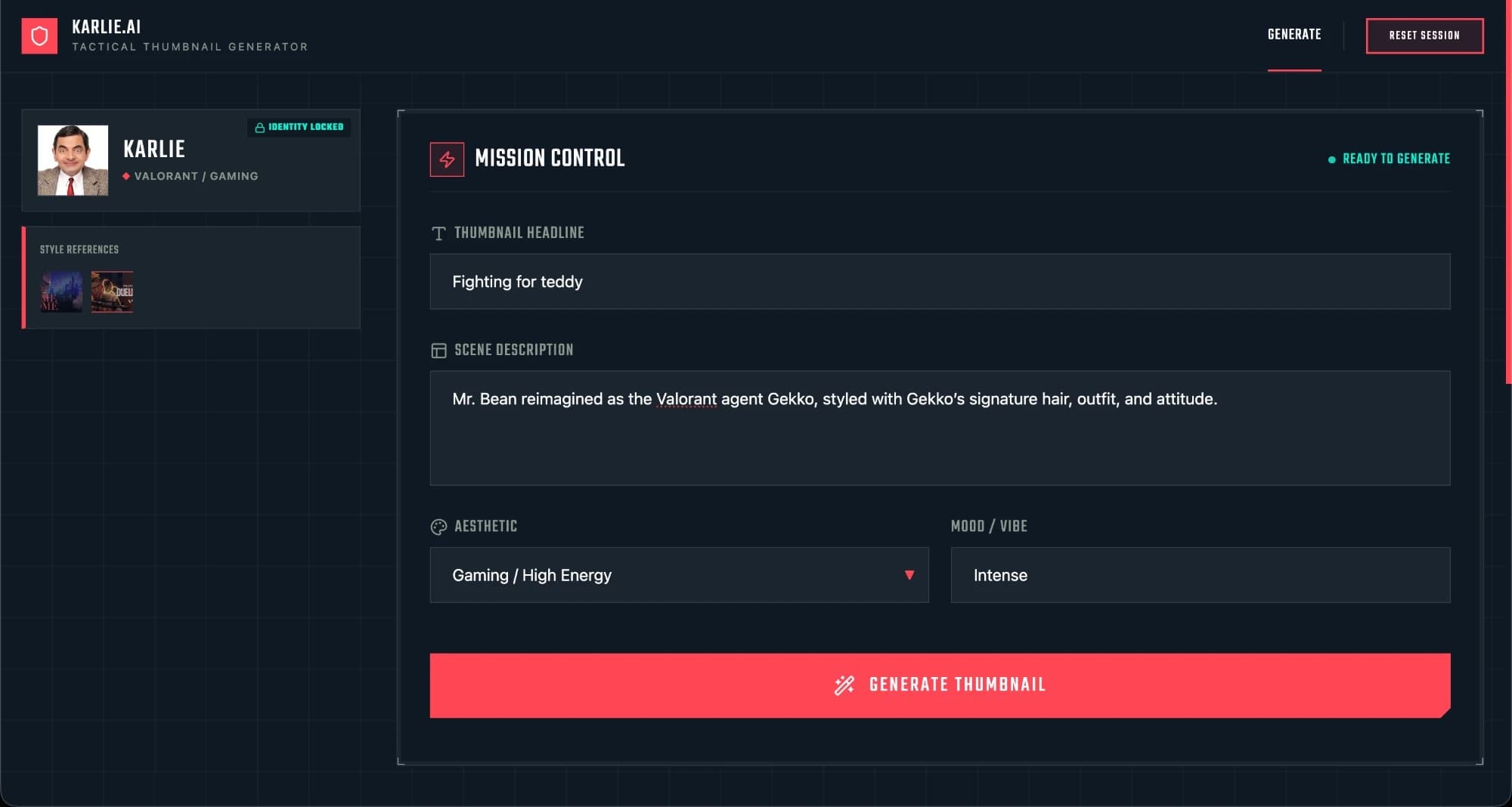
Lock a face and a few style samples once. Then type a headline and a scene, and Gemini makes a 16:9 thumbnail that fits the rest of the channel.
My brother Karlie streams Valorant in Malayalam almost every day. Every live needs a thumbnail, and making one by hand each time took too long. I built KARLIE.AI in Google AI Studio on the Gemini API, and every thumbnail on his channel since November 2025 comes from it.
- ROLE
- Designer and builder (personal project)
- TIMELINE
- Nov 2025, in use since
- PLATFORM
- Web app, built in Google AI Studio
- TOOLS
- Gemini API, React, TypeScript
- CHANNEL
- KARLIE on YouTube See the lives ↗
- CODE
- Public version GitHub ↗
A new thumbnail, almost every day
A live stream with a plain thumbnail gets passed over. But making a good one by hand, every day, takes longer than it should. General AI image tools are fast, yet they change the face and lose the channel's look from one image to the next.
Set it up once, then just describe the stream
- Face: upload or paste one clear, front-facing photo.
- Style: add a few past thumbnails, so it learns the colors, type and layout.
- Lock: the profile is saved in the browser, with no account.
- Generate: type a headline and a scene, pick a look and a mood, and get a 16:9 thumbnail.
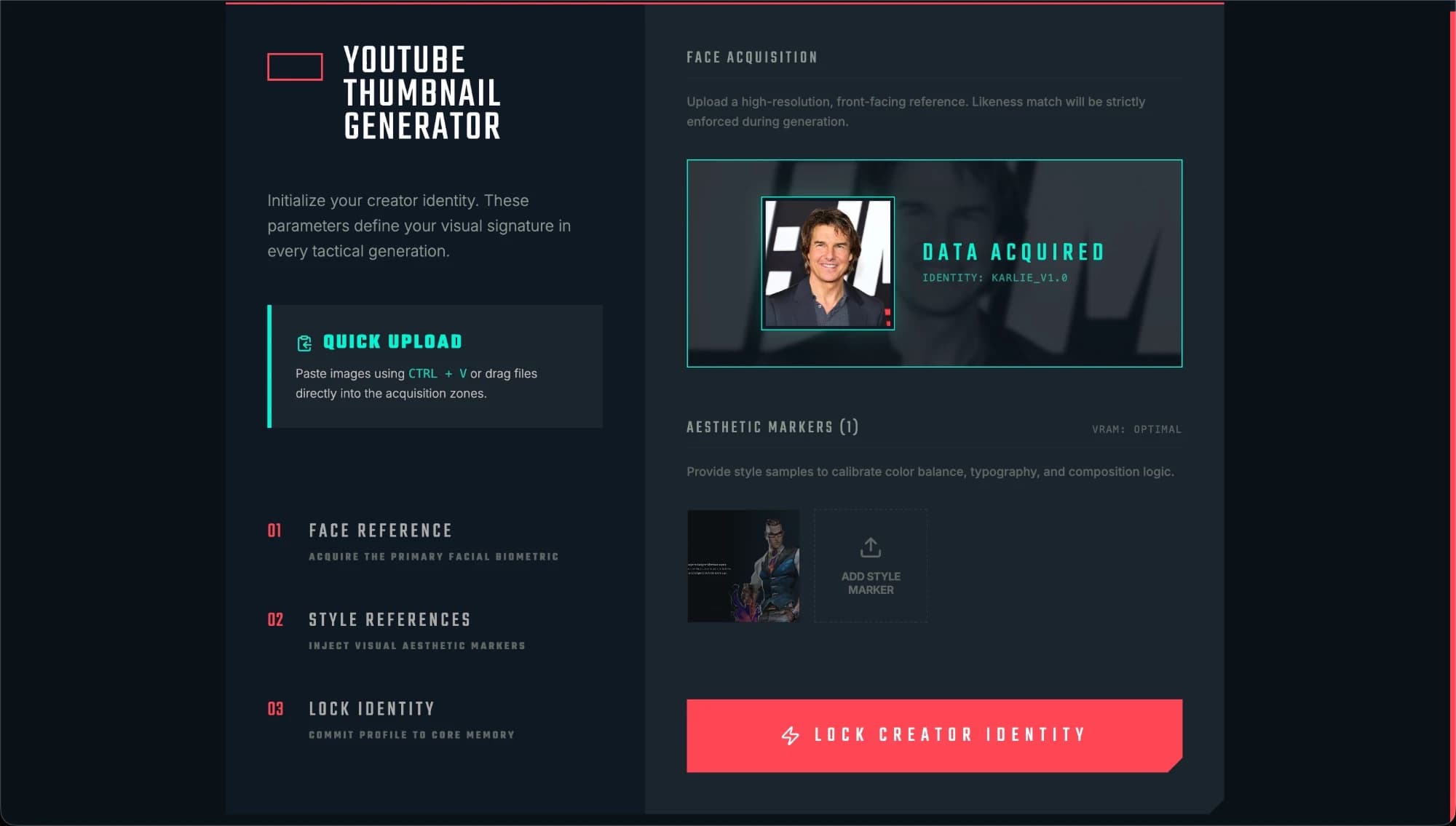
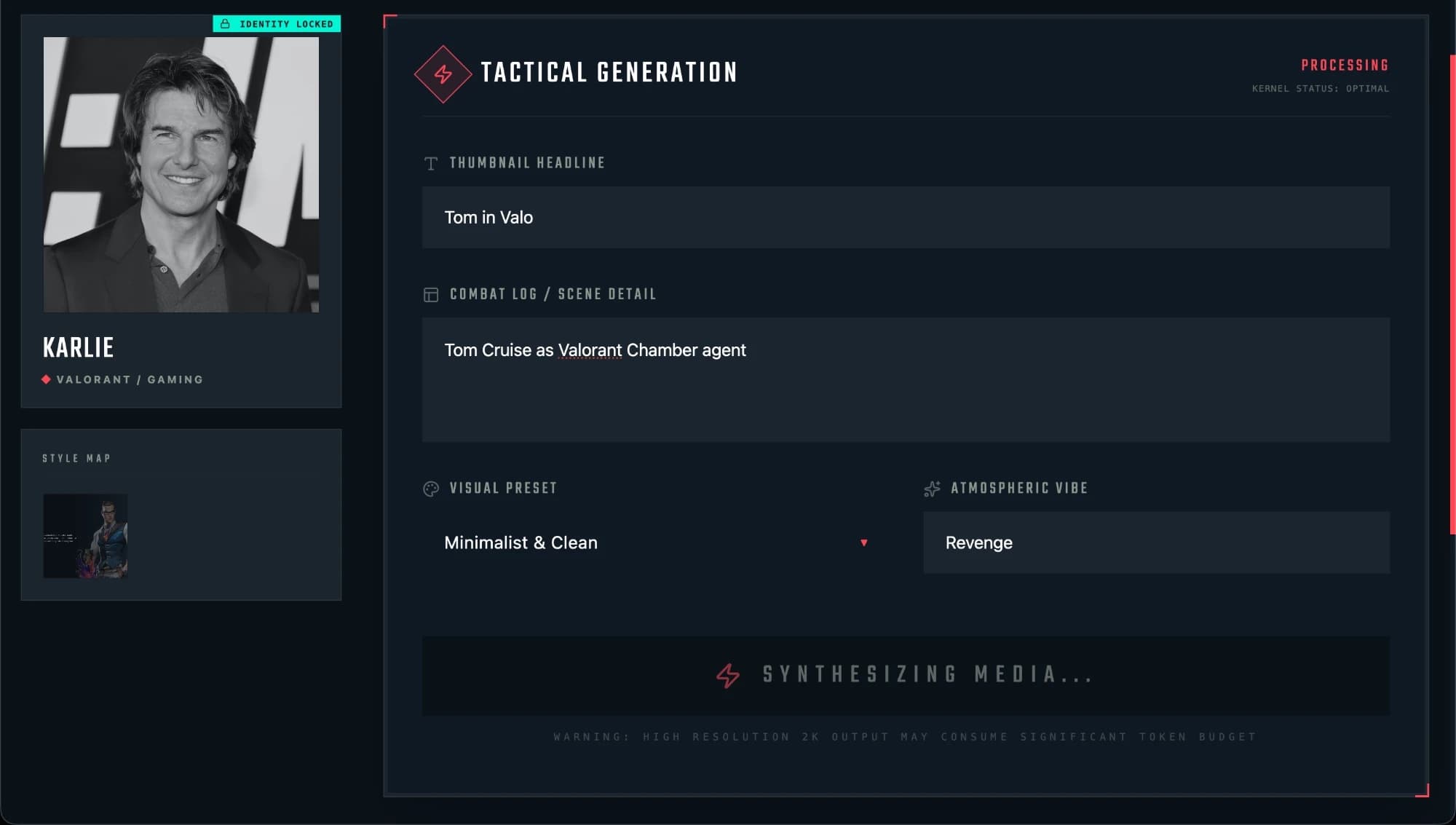
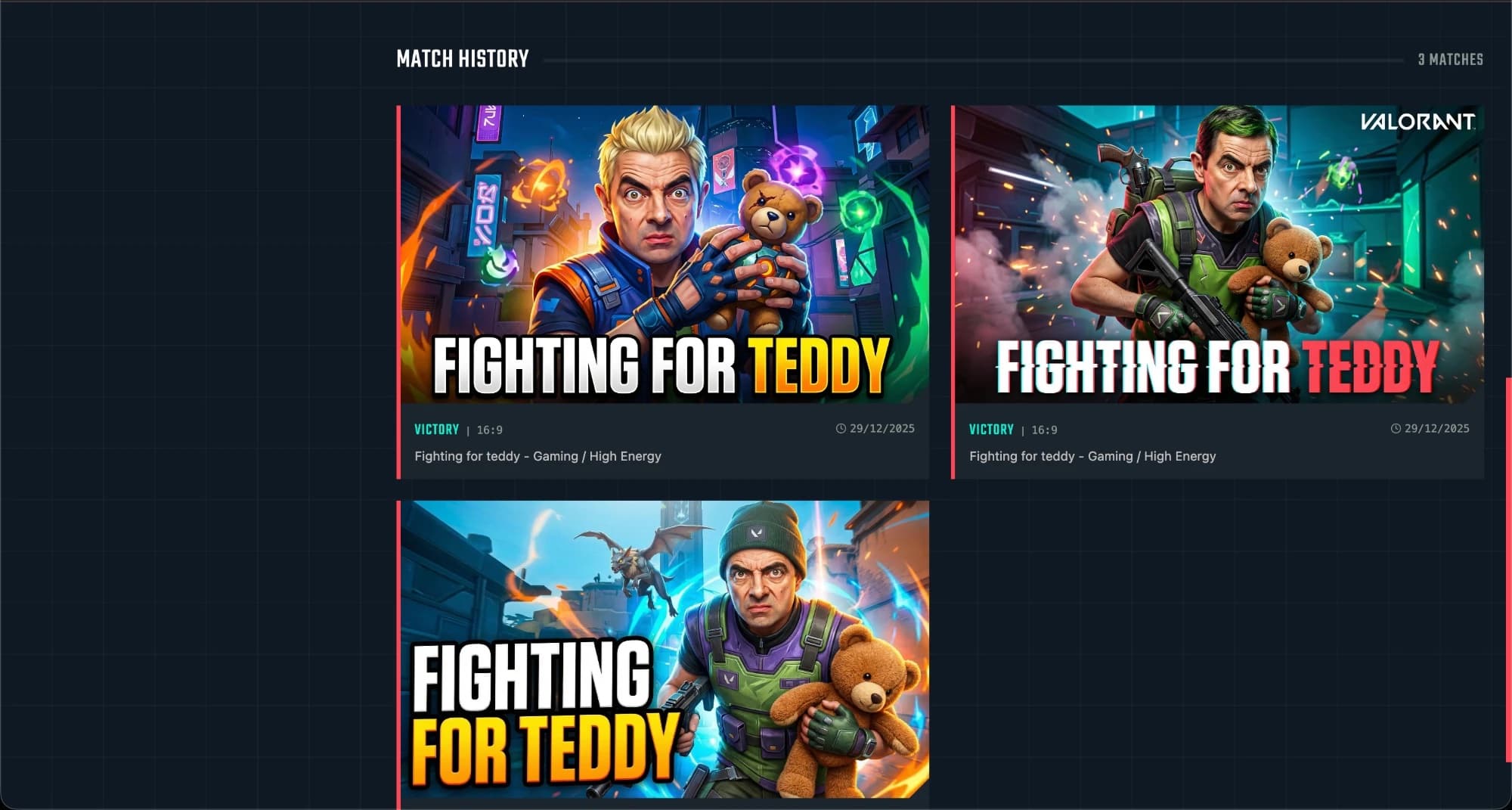
NOTE · These screens use well-known faces as test stand-ins. On the channel, it uses Karlie's own photo.
Every live since November
Every live after "Skibidi Valo and Fun Custom" has a thumbnail made with KARLIE.AI. A few of them below: Valorant, Christmas and New Year lives, and other games.